Learn to make golf videos people click and keep watching.
Learn to plan, edit and package the kind of golf content you're proud to publish.
 Academy introduction coming soon
The Academy is in development. Browse the planned courses below.
Learn to make professional golf content and graphics.
Upgrade the whole process behind your videos. Find a stronger idea before you film, shape the round into a story, and use graphics that help your viewers follow every shot.
Then give the finished video a title, thumbnail and opening that make golfers want to watch. Each course focuses on decisions you can apply to your own footage.
Learn the whole golf content process.
Build your skills in the order that makes sense for your channel, or focus on the one area holding you back.
Plan & film
Find an angle and capture the moments that give your round a story.
Edit & pace
Shape the footage into a video that rewards people for watching.
Show the golf
Make every shot and score easy to follow with tracers and graphics.
Package & publish
Develop the hook, title, thumbnail and short clips that introduce your video.
Explore all seven courses.
Open a course to see every planned module and lesson. The Academy is in development, so the final curriculum may be refined before launch.
Course 01 · 4 modules · 18 lessons
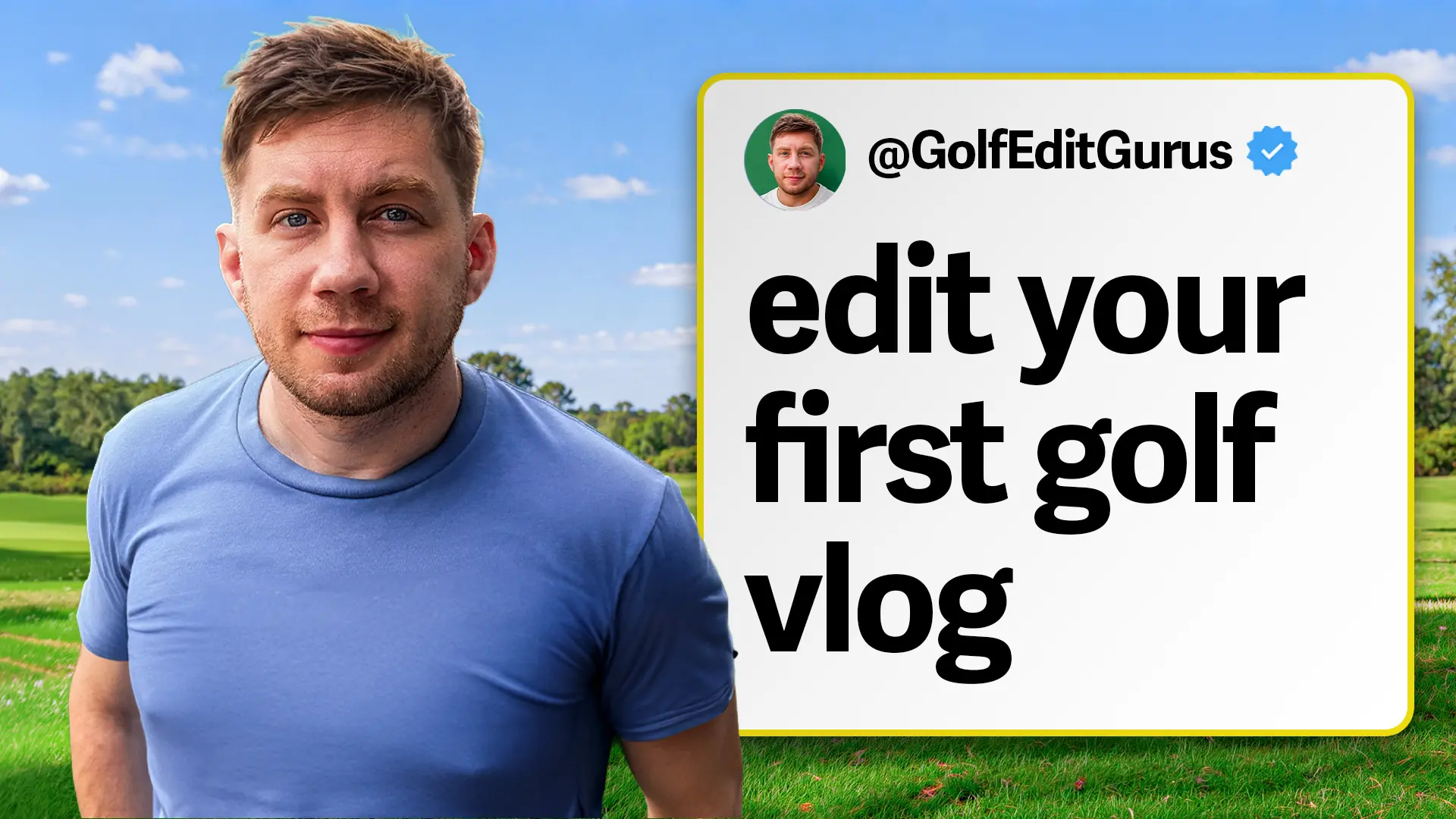
Edit Your First Golf Vlog
The full journey from filming a round to exporting a golf vlog that tells a story.
Explore modules
Module 1: Before the Shoot
- Find Your Video Angle
- Film for the Edit
Module 2: Build the Vlog
- Organise Your Footage
- Sync Cameras and Audio
- Build the Rough Cut
- Edit a Hole from Tee to Cup
- Give Every Hole a Story
- Edit the Opening and Ending
Module 3: Add the Golf Details
- Add a Basic Shot Tracer
- Use Drone Footage
- Add Hole and Score Graphics
- Add Player and Shot Details
Module 4: Finish the Video
- Choose and Place Music
- Add Sound Effects
- Clean and Mix Audio
- Match Your Cameras
- Final Review and Export
- Film Better Next Time
 Course 02 · 3 modules · 10 lessons
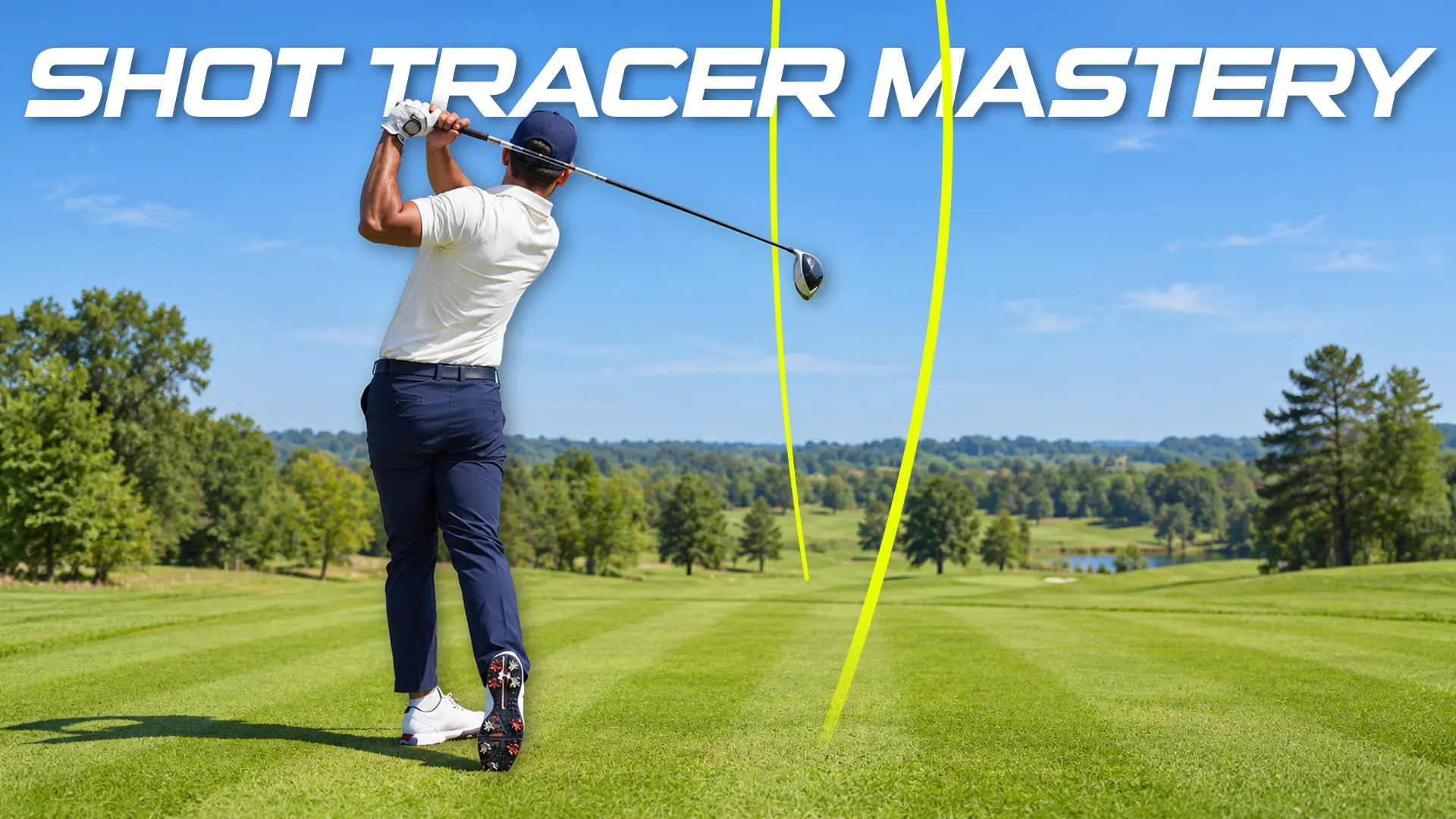
Golf Shot Tracer Mastery
Track the ball, tackle difficult shots and finish tracers that belong in the footage.
Explore modules
Module 1: Prepare
- What Makes a Great Tracer?
- Film for Better Tracers
- Prepare and Import Footage
Module 2: Trace the Shot
- Keyframing: Follow the Ball
- Line Moulding: The Fallback Method
- Fix Difficult Shots
Module 3: Finish
- Style Your Tracer
- Add Target Markers
- Troubleshoot Common Problems
- Export for Your Vlog
 Course 03 · 2 modules · 9 lessons
Golf Graphics in After Effects
Build a consistent visual system for score, hole, player and drone graphics.
Explore modules
Module 1: Foundations
- What Information Should You Show?
- Design a Consistent Style
Module 2: Build Your Graphics
- Hole Introduction
- Shot-by-Shot Score Graphic
- After Effects Shot Tracer
- Tracked Drone Flyover Graphics
- Between-Holes Scoreboard
- Subscribe Animation
- Player Name Pop-Ups
Each build also covers adapting the graphic for another use and exporting it for Premiere Pro.
 Course 04 · 3 modules · 12 lessons
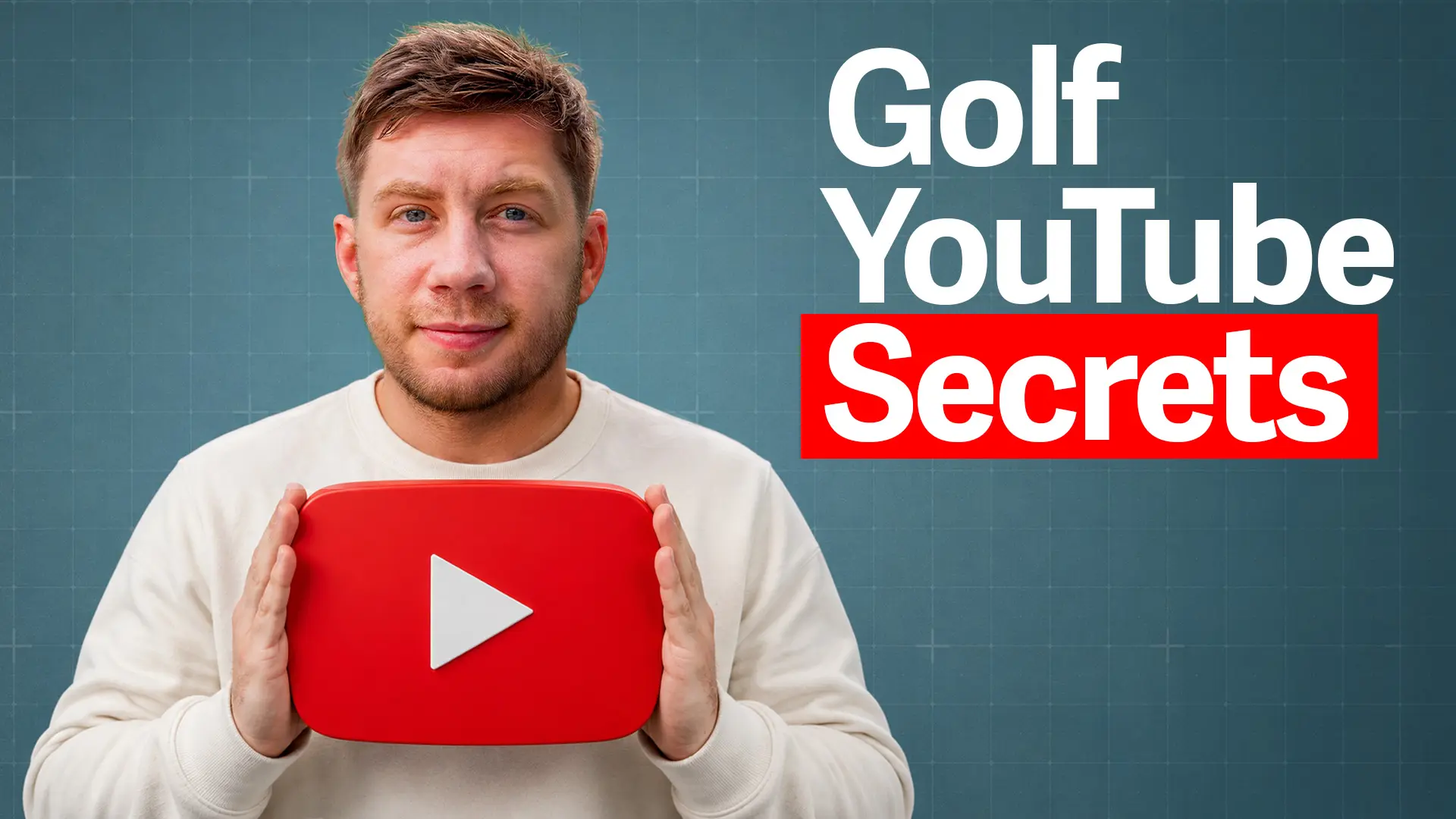
Golf YouTube Secrets: Make Videos Golfers Click and Keep Watching
Plan a compelling round, hold attention and use your analytics to improve the next upload.
Explore modules
Module 1: Plan the Video
- Know Your Viewer
- Find Strong Golf Video Ideas
- Give the Round a Premise
- Plan the Click Before Filming
- Capture the Story
Module 2: Keep Viewers Watching
- Shape the Round’s Story
- Deliver on the Opening Promise
- Build Interest Through the Round
- Create Series People Return To
Module 3: Learn and Improve
- Read Your Analytics
- Diagnose a Weak Video
- Plan the Next Upload
 Course 05 · 3 modules · 7 lessons
Hooks & Intros That Keep Viewers Watching
Make an opening that gives golfers a reason to stay for the next shot.
Explore modules
Module 1: Understand the Hook
- What an Intro Must Do
- Break Down Great Golf Intros
Module 2: Build Three Intros
- The Cold Open
- The Montage Intro
- The Voice-Over Intro
- Choose the Right Intro
Module 3: Improve
- Test What Works
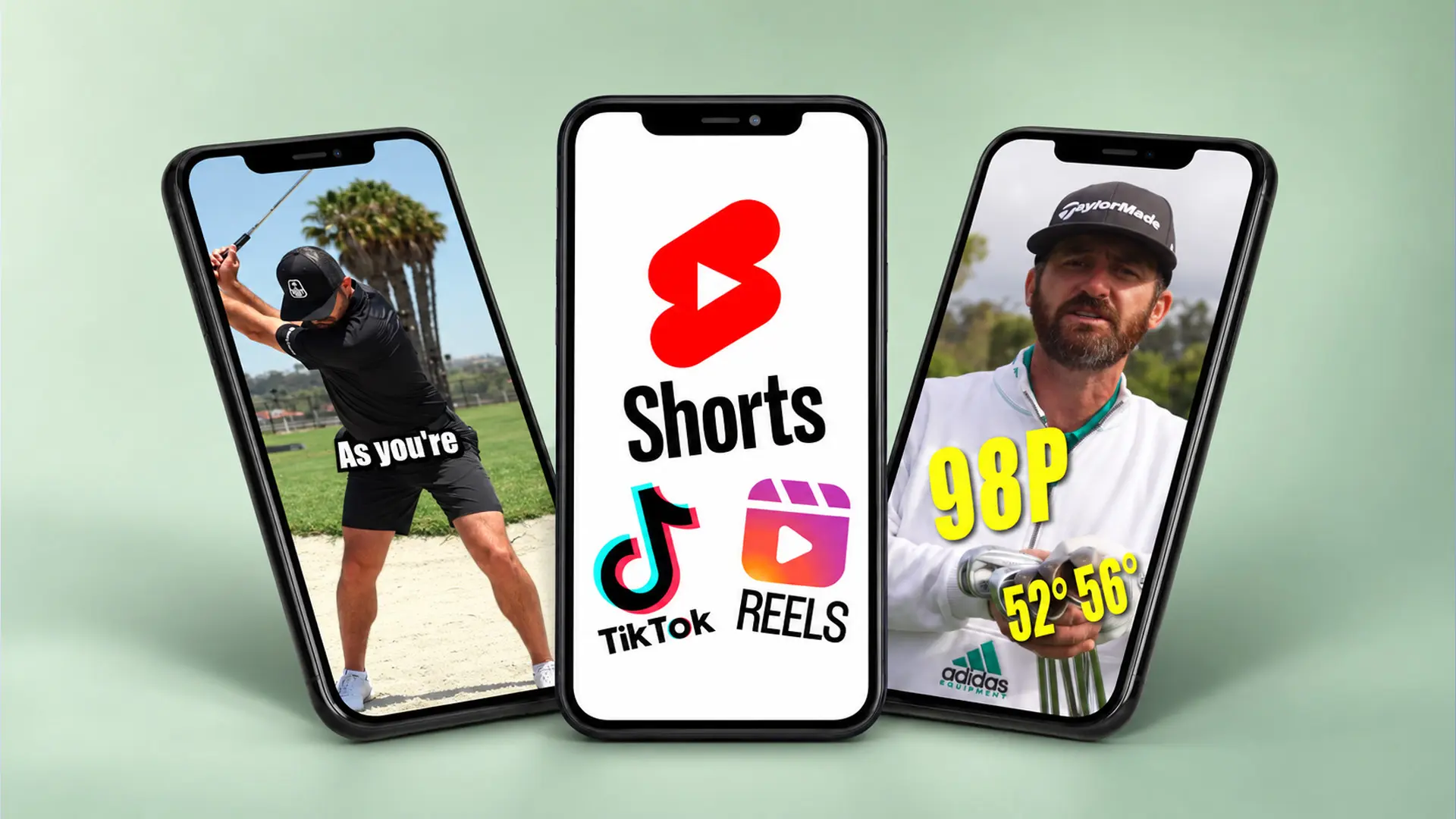 Course 06 · 3 modules · 11 lessons
Golf Shorts & Reels
Find standalone moments in a vlog and shape them for vertical viewing.
Explore modules
Module 1: Find the Moments
- What Makes a Standalone Clip?
- Types of Golf Reel
- Break Down Creator Reels
- Find Your Best Moments
- Batch Your Clips
Module 2: Make the Edit
- Build a Short Story
- Write Text Hooks
- Create Video Hooks
- Reframe for Vertical
- Captions, Sound and Polish
Module 3: Publish
- Export, Post and Review
Course project: make a golf moment, a personality moment and a montage from one vlog.
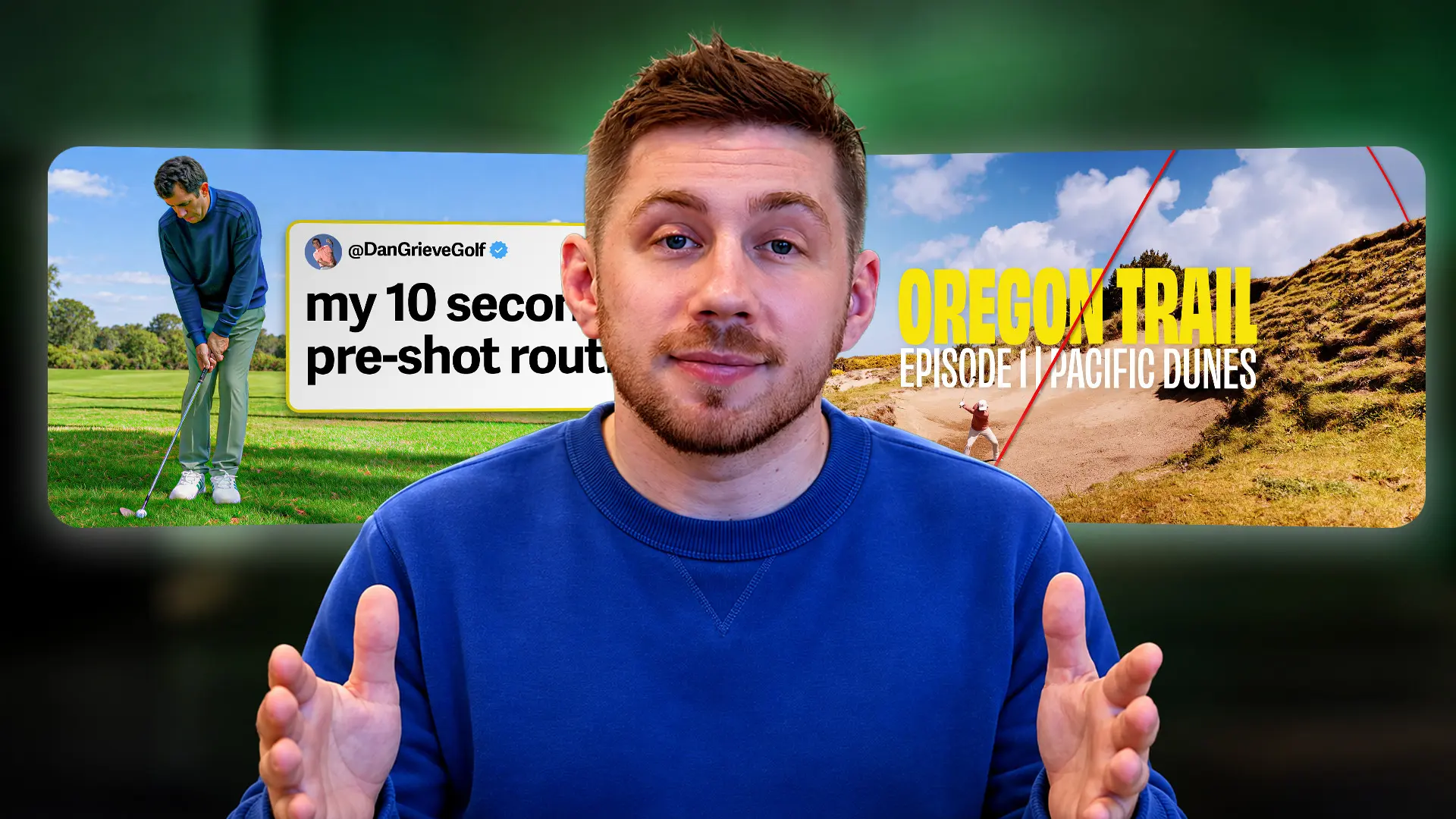 Course 07 · 4 modules · 12 lessons
Golf Titles & Thumbnails
Find the angle, design a clear thumbnail and write a title that adds to the image.
Explore modules
Module 1: Find the Angle
- What Is the Video Really About?
- Plan the Title and Thumbnail
Module 2: The Five Blueprint Checkpoints
- Faces Fill the Frame
- Lift the Shadows
- Declutter
- Minimal Text
- Focal Points
Module 3: Develop Your Style
- Write Titles That Add to the Image
- Cinematic Golf Thumbnails
- Find Your Thumbnail Style
Module 4: Build and Test
- Build Three Golf Thumbnails
- Review and Test Your Ideas
Founders pricing for the first 25.
The Academy is a yearly membership. One price gets you every course.
Register your interest now. The first 25 people on the list get the founders price when the doors open.
Founders price
- All 7 courses
- The community
- Free assets for your own projects
- Founders price locked in while you stay a member
A full year of the Academy costs less than one vlog edited by me.
Register your interest
No payment today. I'll email you when the Academy opens, and if you're one of the first 25 you'll get the founders price.
No spam. Just Academy updates and your founders link.
Learn from seven years of golf content work.
I'm Alex. I edit golf videos, build graphics and design packaging for creators and coaches. This reel gives you a look at the work behind the techniques in the Academy.
I've spent seven years focused on golf content. The courses turn the decisions I make in real projects into practical lessons you can apply to your own footage, from the story of a round to the graphics and thumbnail that help people follow it.
Academy questions.
Are the courses available now?
No. The course outlines are ready, and the lessons are still being made. Register your interest to hear when they're ready.
How much does the Academy cost?
The Academy is $497 a year. The first 25 people who register interest get the founders price of $297 a year.
How long does the founders price last?
For as long as you stay a member. If you cancel and come back later, you'll rejoin at the normal price.
Can I explore a single course?
Your membership includes all seven courses. The outlines are shown separately above, so you can start with the subject most relevant to your channel.
How is this different from your free content?
The Academy is planned as an organised set of lessons that follows a complete workflow, from planning and filming through editing and publishing. My free content shares individual ideas and tips.
Will I be charged for registering interest?
No. Registering is free and there's no payment on this page. I'll email you when the Academy opens.